ESP32-S3 Supermini Development Board Review: Is This Tiny Powerhouse Worth It?
If you have ever tried to squeeze a bulky development board into a tiny 3D-printed case or a wearable project, you know the struggle. You spend hours soldering, trimming wires, and rearranging components, only to realize the board itself is the biggest obstacle in your design.
That is exactly where the ESP32-S3 Supermini Development Board WiFi Bluetooth 5.0 Ultra-Small Size ESP32 S3 ESP32-S3FH4R2 For Arduino For Micropython review comes into play. I recently got my hands on this board to see if its small footprint actually translates into a usable tool for hobbyists and makers. If you’re looking for a budget-friendly way to add wireless smarts to a tight space, here is my honest take.
What Exactly is the ESP32-S3 Supermini?
At its core, this board is a stripped-down, ultra-compact version of the powerful ESP32-S3 chip. Many developers are moving away from the older ESP32 because the S3 version offers better performance, more GPIO pins, and native USB support.
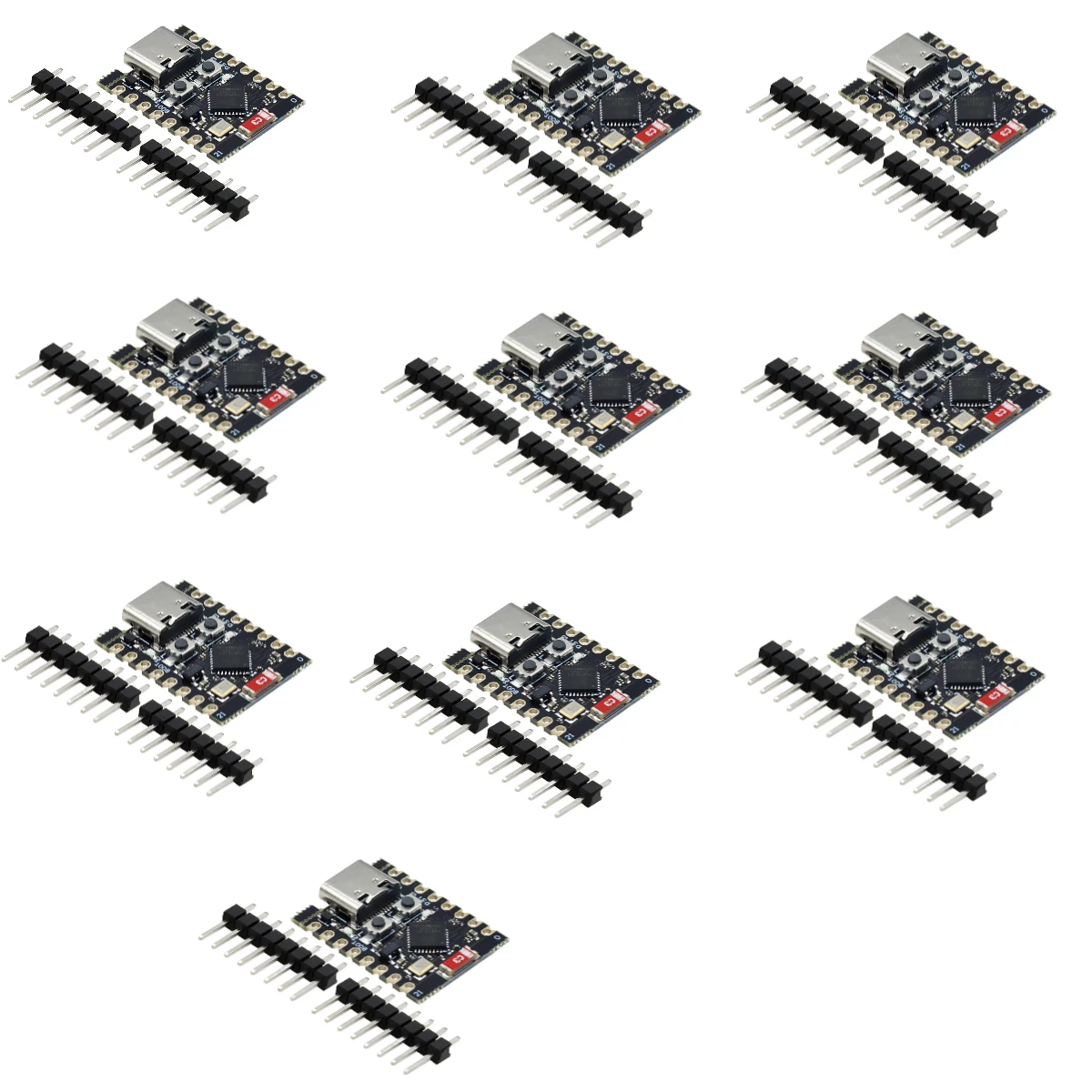
The main appeal here is the size. It is roughly the size of a postage stamp, yet it packs the ESP32-S3FH4R2 chip. This specific variant includes 4MB of Flash memory and 2MB of PSRAM, which is a massive help if you’re planning to run projects that need a bit of extra memory, like basic displays or data logging.
Because it’s so small, it’s a favorite for people building compact IoT devices. Plus, it’s widely available on platforms like AliExpress or specialized hobby shops, often with free shipping, making it an incredibly cheap way to start a new project without breaking the bank.
Real-World Features: Why Size and Specs Matter
Specs are just numbers on a page until you actually try to build something. Here is how the features of this board actually affect your daily workflow.
Native USB Support Unlike the older boards that needed a separate chip to talk to your computer, the ESP32-S3 has native USB. This means you can plug it into your laptop and it shows up as a device immediately. It simplifies the setup process significantly. You don’t have to worry about driver issues as much, and it makes programming via Arduino IDE or MicroPython a much smoother experience.
WiFi and Bluetooth 5.0 The inclusion of Bluetooth 5.0 (BLE) is a big deal. If you are building a smart home sensor that needs to talk to your phone or a low-energy mesh network, this board handles it without breaking a sweat. The WiFi connection is stable enough for standard web servers or MQTT data transmission.
Pinout Efficiency Even though the board is tiny, the pin arrangement is surprisingly well-thought-out. You get enough GPIOs to handle common sensors, buttons, and LEDs. However, because the board is so small, the pins are very close together. If you aren't careful with your soldering, you might end up with accidental bridges.
Pros and Cons: The Honest Truth
No board is perfect. After using this for a few weeks, here is what I found:
The Good: Incredible Size: It is perfect for wearables or projects where space is at a premium. Performance: The S3 chip is significantly faster and more capable than the original ESP32 for AI and math-heavy tasks. Cost: It is a budget-friendly option that often comes with free shipping, making it easy to stock up for multiple projects. Versatility: Works great with both Arduino IDE and MicroPython, so you aren't locked into one programming style.
The Bad: Soldering Required: The pins are small. If you are a beginner, you might find it tricky to solder headers onto this without melting the plastic or creating bridges. Heat Management: Because it is so small, it can get warm during heavy WiFi usage. Don’t bury it in a completely airtight, unventilated box. Limited Documentation: Unlike the official Espressif boards, these "Supermini" clones often have sparse documentation. You might have to spend a few minutes on forums to figure out the exact pin definitions.
Who is this for (and who should skip it)?
This is for you if: You are building a wearable project, like a smart watch or a fitness tracker. You are an experienced hobbyist who is comfortable with a soldering iron. You need a cheap, powerful board for a "set and forget" IoT project that needs to fit inside a small enclosure. You want to experiment with MicroPython and need a modern chip that can handle the overhead.
Skip this if: You are a total beginner who has never soldered before. Start with a larger board that has pre-soldered headers. You need a huge number of GPIO pins. If your project requires 30+ sensors, this board will run out of room very quickly. You are building a mission-critical device where you need professional-grade support and documentation.
User Experiences: What Are Others Saying?
To get a better sense of how this performs in the "wild," I looked at some feedback from the maker community.
- "The perfect size for my smart keychain project."
- User Mark T. says: "I’ve been using ESP32 boards for years, but they were always too bulky. I bought five of these with free shipping and they fit perfectly into a small 3D-printed case for my smart home controller. The performance is solid, though I did struggle a bit with the tiny pin spacing at first."
- "Great for MicroPython, but watch the pins."
- User Sarah J. notes: "I wanted to try running some basic AI models on the S3 chip. This board handles the processing well. Just be warned: if you use a breadboard, it’s a tight fit. It’s better suited for permanent, soldered projects."
Final Verdict: Is it Worth Your Money?
If you want an honest ESP32-S3 Supermini Development Board WiFi Bluetooth 5.0 Ultra-Small Size ESP32 S3 ESP32-S3FH4R2 For Arduino For Micropython review, here it is: It is a fantastic tool for the right person.
It isn't the most "user-friendly" board on the market because it demands a bit of skill to solder and some patience to configure. However, if you are looking for a budget-friendly way to shrink your project size without losing the power of the S3 chip, this is a clear winner. The fact that you can snag these with free shipping makes them a low-risk investment for your workbench.
Just remember: keep your soldering iron tip clean, double-check your pinout diagrams before you start coding, and enjoy the freedom of building smaller, smarter devices.