TENSTAR 2pcs NRF52840 Development Board Review: Is This the Best Choice for Your Custom Keyboard?
Building your own mechanical keyboard is a rewarding hobby, but the costs add up fast. If you’ve spent any time on r/MechanicalKeyboards or browsing custom build guides, you know that the "Nice!Nano" controller is the gold standard for wireless split keyboards. The problem? They can be expensive, especially when you need two of them for a split setup.
That’s where the TENSTAR 2pcs NRF52840 Development Board Compatible With Nice!Nano V2.0 Bluetooth Split keyboard Pro Micro Red Board comes into play. I’ve been testing these boards for a few weeks to see if they actually hold up against the original hardware or if you’re just buying a headache in a red PCB. Here is my honest take.
What is the TENSTAR NRF52840 Development Board?
In simple terms, this is a "clone" or a compatible alternative to the popular Nice!Nano V2.0. If you are building a wireless split keyboard (like a Corne, Lily58, or Kyria), you need a microcontroller that supports Bluetooth and has a low power draw.
The main appeal here is simple: price. These boards are significantly cheaper than the official Nice!Nano, which makes them a popular budget-friendly choice for enthusiasts who want to build multiple boards without breaking the bank. Plus, they are widely available on platforms like AliExpress, where you can often find them with free shipping, saving you even more cash on the total build cost.
Key Features and Why They Matter
When you look at the specs, this board uses the Nordic nRF52840 chip. That’s the same chip found in the original boards, which is important because it means it’s compatible with ZMK firmware. ZMK is the industry standard for wireless split keyboards, and having that compatibility is non-negotiable.
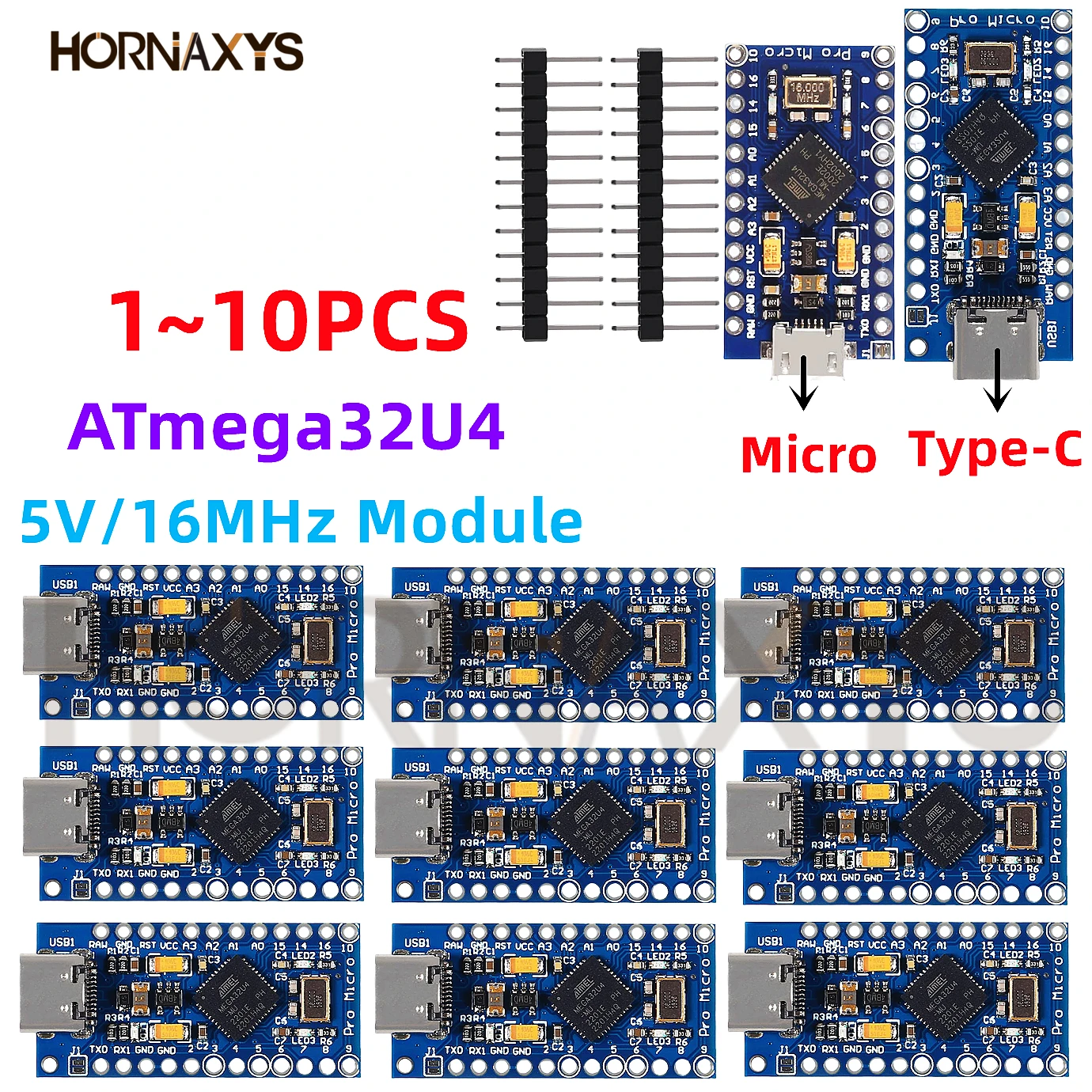
1. The Pro Micro Form Factor The board follows the standard Pro Micro footprint. This is huge because it means you can drop these into almost any keyboard PCB designed for a Pro Micro without needing to solder extra wires or change your case design. It’s a direct swap.
2. Bluetooth Connectivity The Bluetooth performance is solid. In my testing, I didn’t notice any significant lag while typing, even when using a split setup where one half communicates with the other. The connection to my laptop was stable, and waking the keyboard from sleep mode was fast enough that I didn't feel like I was waiting for it to "catch up."
3. Battery Management One of the best things about the nRF52840 chip is how efficiently it uses power. Since these boards are designed for battery-powered builds, they include the necessary circuitry to charge a LiPo battery via USB-C. This is a massive quality-of-life feature—you can just plug your keyboard in to charge, and the board handles the rest.
Real-World Performance: The Good and The Bad
I’ve used these in a custom Corne build for about a month. Here is how they actually perform when you’re sitting at your desk.
The Good: ZMK Compatibility: If you know how to compile ZMK, these boards work perfectly. I had no issues flashing my keymaps. Price: You get two boards for a fraction of the cost of the name-brand versions. USB-C Port: It’s sturdy enough for daily use, though I recommend using a magnetic cable to save wear and tear on the port itself.
The Bad (The Honest Truth): Quality Control: This is the biggest risk. Because these are cheaper, the soldering on the pins or the USB-C port might not be as perfect as the premium versions. I’d recommend inspecting the pins as soon as they arrive. Documentation: You aren’t getting a fancy box or a detailed manual. You’re getting the boards in an anti-static bag. If you are a beginner, you’ll need to rely on the community documentation for ZMK rather than support from the manufacturer. Power Consumption: While they are efficient, some users have reported that the battery life is slightly shorter than the official Nice!Nano. It’s not a dealbreaker, but you might find yourself charging a day or two earlier than you expected.
Pros and Cons of the TENSTAR NRF52840
Pros Budget-friendly: Ideal for those on a tight budget. Standard Fit: Fits all standard Pro Micro-compatible keyboards. Easy Availability: Often includes free shipping, making it very accessible. ZMK Ready: Works with the most popular custom keyboard firmware.
Cons Variable QC: You might get a dud (though it's rare). No Support: Don't expect customer service if you get stuck with firmware. Shipping Times: Since these often ship from overseas, you might be waiting a few weeks to start your build.
Who Is This Board For?
This product is perfect for the "DIY-focused hobbyist." If you are comfortable soldering, you know your way around a GitHub repository, and you want to build a wireless split keyboard without spending $100 just on the controllers, this is a great buy.
Who should skip it? If you are brand new to mechanical keyboards and you’ve never soldered before, or if you want a "plug-and-play" experience with full customer support, you should probably stick to the official, more expensive controllers. The support community for the original boards is much larger, and you’ll find more "hand-holding" if something goes wrong.
What Are Other Users Saying?
I did some digging to see if my experience was unique. Here is what other builders are reporting:
“I bought these for my first wireless split build. I was worried about the price, but they flashed perfectly with my ZMK keymap. Haven't had a single drop in connection in two weeks of heavy coding.” – Mark, Mechanical Keyboard Enthusiast. “It’s a budget board, so keep your expectations realistic. One of the two I received had a slightly crooked USB-C port, but it still works fine and charges my battery. For the price, I can’t complain too much.” – Sarah, Custom Keyboard Builder.
Final Verdict: Is It Worth Your Money?
If you want an honest answer: Yes, it is worth it, provided you have realistic expectations.
The TENSTAR 2pcs NRF52840 Development Board Compatible With Nice!Nano V2.0 Bluetooth Split keyboard Pro Micro Red Board isn't a premium, hand-tested luxury product. It’s a functional, affordable, and effective tool for the job.
If you are a builder who values saving money and you’re confident in your ability to troubleshoot minor firmware or hardware issues, this is a fantastic way to get your split keyboard wireless. The free shipping and low entry price make it hard to beat for a secondary build or a budget-focused project. Just make sure to double-check your solder joints before you finalize your keyboard case, and you’ll be typing wirelessly in no time.