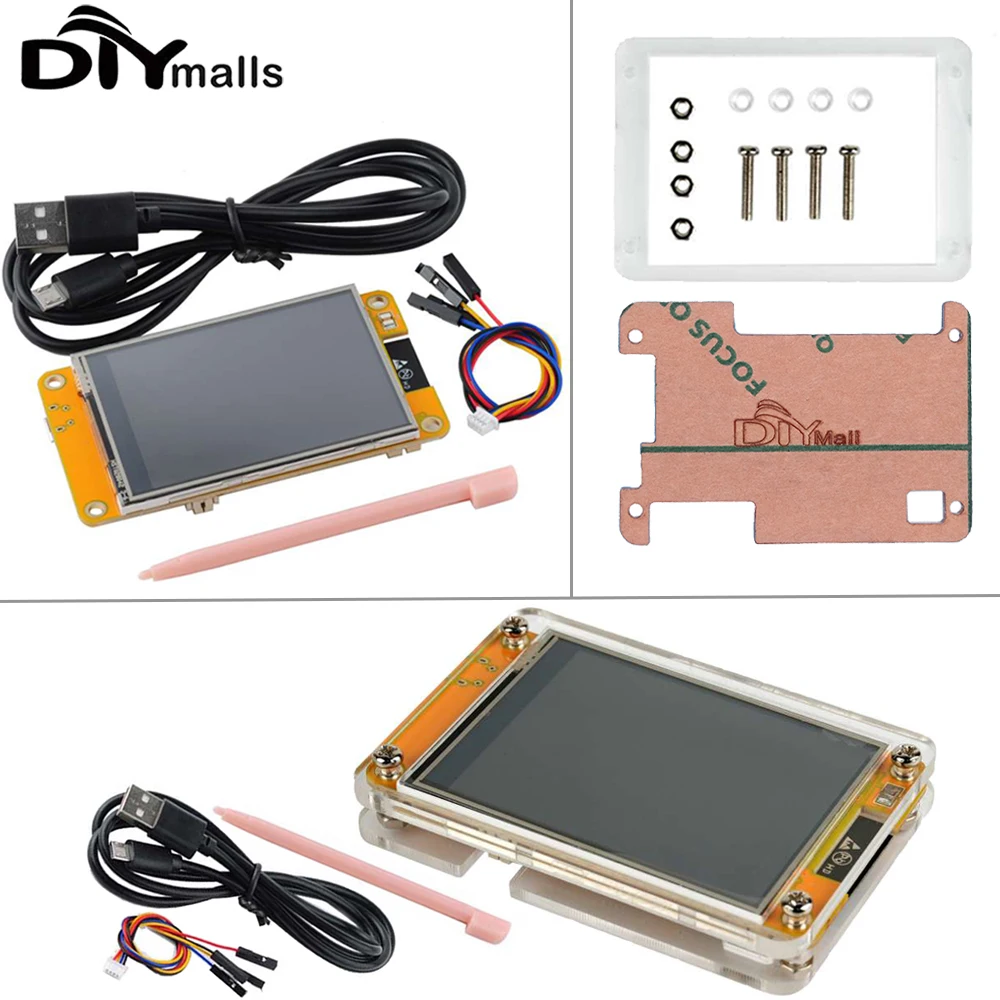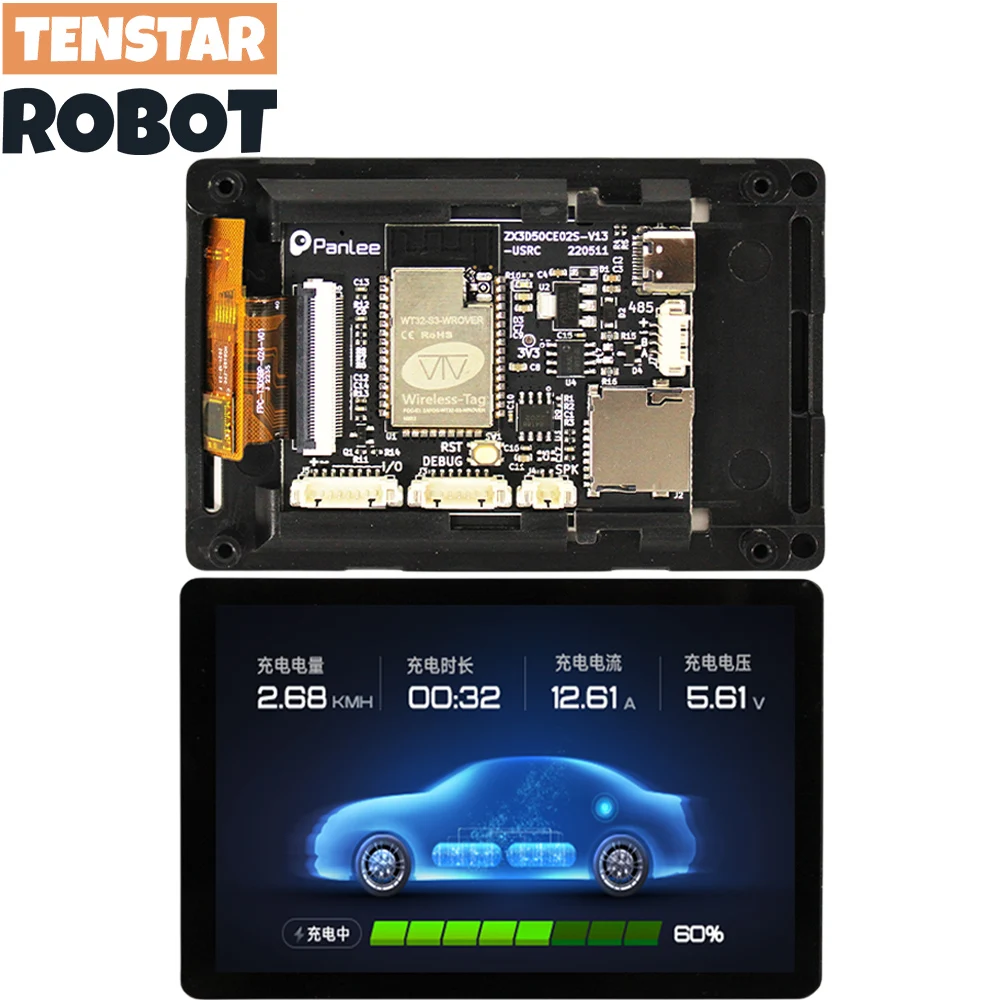
WT32-SC01 PLUS ESP32 Development Board With 3.5In 320X480 Capacitive Multi-Touch LCD Screen Built-In Bluetooth Wifi Review
If you’ve ever tried to build a custom smart home controller or a fancy dashboard for your workbench, you know the struggle. You spend hours wiring up an ESP32, then more time trying to hook up a separate LCD display, only for the whole thing to look like a messy "spaghetti junction" of jumper wires. It’s frustrating, and honestly, it often ends up in a drawer, unfinished.
That’s exactly where the WT32-SC01 PLUS ESP32 Development Board With 3.5In 320X480 Capacitive Multi-Touch LCD Screen Built-In Bluetooth Wifi review comes in. It’s an all-in-one solution that takes the headache out of building interactive projects. If you want a sleek, professional-looking interface without the nightmare of breadboarding a dozen different modules, this board might just be the missing piece of your project kit.
What is the WT32-SC01 PLUS ESP32 Development Board?
At its core, the WT32-SC01 PLUS is an ESP32-S3 development board that comes with a beautiful 3.5-inch touchscreen already attached. Instead of buying a controller, a display, and a touch driver separately, you get everything integrated into one slim package.
The main appeal here is the balance between power and price. It’s a budget-friendly option that doesn't feel cheap. Many hobbyists look for deals on platforms like AliExpress or specialized electronics shops where you can often find free shipping on these boards, making it a low-risk investment for your next DIY build.
You aren’t just buying a screen; you’re buying a platform that allows you to create high-end user interfaces (UI) that look like something you’d buy off a store shelf.
Key Features of the WT32-SC01 PLUS ESP32 Development Board
Technical specs can be boring, so let’s talk about what these features actually do for you:
- ESP32-S3 Power: This is the heart of the board. It’s faster than the standard ESP32 and has built-in AI acceleration. This means if you want to do some basic voice recognition or handle complex animations on the screen, the board won't choke.
- 3.5-Inch Capacitive Touchscreen: Unlike the older "resistive" screens that require you to press down hard, this is like your smartphone. It’s snappy, responsive, and supports multi-touch. It makes your projects feel modern and intuitive.
- Integrated Wi-Fi and Bluetooth: You don’t need to worry about adding extra radio modules. Whether you’re building a smart thermostat or a music player, the connectivity is already baked in.
- Expansion Ports: Even though everything is built-in, the board includes headers for things like sensors, speakers, or extra buttons. It’s designed to be the "brain" of a larger device.
Real-World Benefits: Why Does This Matter?
The biggest benefit is time-saving. When you use a board like this, you spend less time debugging hardware connection issues and more time writing code for your UI.
Because it uses the ESP32 ecosystem, you can use the LVGL (Light and Versatile Graphics Library). This is a game-changer. It allows you to drag and drop elements to create buttons, sliders, and charts that look professional. You can turn your project from a bunch of blinking LEDs into a slick control panel for your office lights or a real-time monitor for your 3D printer.
Pros and Cons of the WT32-SC01 PLUS
No product is perfect. To give you an honest WT32-SC01 PLUS ESP32 Development Board With 3.5In 320X480 Capacitive Multi-Touch LCD Screen Built-In Bluetooth Wifi review, I have to point out where it shines and where it falls short.
The Good
- All-in-one design: No need for extra driver boards or complicated wiring.
- Responsive touch: The capacitive screen is a massive upgrade over older hobbyist displays.
- Value: Getting a screen and a powerful controller for this price is hard to beat.
- Community support: Because it’s an ESP32-based board, there are tons of tutorials and libraries available online.
The Not-So-Good
- Documentation can be sparse: The manufacturer's documentation is often translated from Chinese and can be difficult to follow. You’ll need to rely on community forums.
- Mounting issues: The board is thin and doesn't come with a case. If you want a professional look, you’ll likely need to 3D print an enclosure yourself.
- Power hungry: If you’re running the screen at full brightness over Wi-Fi, it will drain a battery quite quickly. You’ll definitely want to use a stable USB power supply for most projects.
Who is this for (and who should skip it)?
You should buy this if:
- You are an intermediate hobbyist who has worked with Arduino or ESP32 before and wants to level up your project’s UI.
- You are building a smart home device, a custom controller, or a data dashboard.
- You are on a budget and want a professional look without spending hundreds of dollars on industrial touch panels.
You should skip this if:
- You are a complete beginner who has never touched a microcontroller. The learning curve for LVGL and ESP32-S3 is a bit steep for a first-timer.
- You need a rugged, waterproof, or outdoor-ready device. This board is meant for indoor, desktop, or wall-mount use.
User Experiences
To give you a better idea of what it’s like to live with this board, here is a summary of what users are saying:
- "The UI possibilities are endless." – Mark, a 3D printing enthusiast. Mark used the board to build a controller for his printer. He said the hardest part was learning LVGL, but once he got the hang of it, he created a custom screen that lets him start prints and monitor temperatures with a single tap.
- "Great value, but bring your patience." – Sarah, a smart home tinkerer. Sarah noted that the board is a steal, especially when you find it with free shipping. She did mention that getting the initial drivers set up on her Windows machine took some Googling, but she’s happy with the final result.
Final Verdict: Is it Worth Your Money?
If you are looking for a way to make your DIY projects look professional, the WT32-SC01 PLUS ESP32 Development Board With 3.5In 320X480 Capacitive Multi-Touch LCD Screen Built-In Bluetooth Wifi is absolutely worth it. It’s a budget-friendly gateway into building custom hardware that looks like it came from a retail store.
Just be prepared to do a little bit of homework. Because the documentation isn't perfect, you’ll spend some time on forums or YouTube looking for how to set up the environment. However, once you get that first custom button working on the screen, the effort pays off. It’s a fun, powerful tool that bridges the gap between "messy hobby project" and "polished electronic device."